Get real in real time. Meet the all-new LiveSurface. Making photo-real mockups is now as easy as drag and drop.
The all-new LiveSurface
Drag and Drop
Materials
Plus Surfaces
Customizable Scenes
Snapshots & Moving Artwork
Plugin
Introducing the all-new LiveSurface: The next chapter of our game-changing design visualization software, featuring a reengineered Context Engine and optimized for real time performance.
We’ve integrated an array of robust features, including drag-and-drop capability, advanced lighting, physically-accurate materials, snapshots, and animation. Truly fluid, real time design visualization is here.
Curated surfaces
Presentation quality. Prime selection. Go beyond mockups with the Surface Store library. Built for photo-real rendering and powered by our Context Engine.
Surface Store
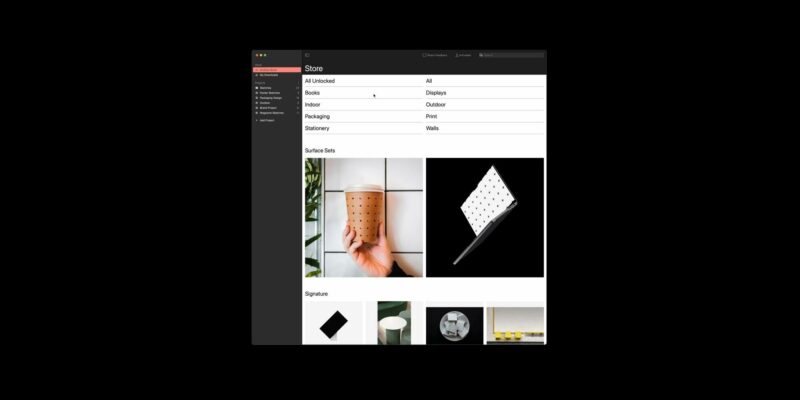
Objects
Scenes
Resizable / Rotatable
Precisely select a format or angle with Plus Surfaces.
Images are the heart of LiveSurface. We work with a global array of exceptional photographers, designers and modelers to create images that not only elevate ideas, but spark inspiration.
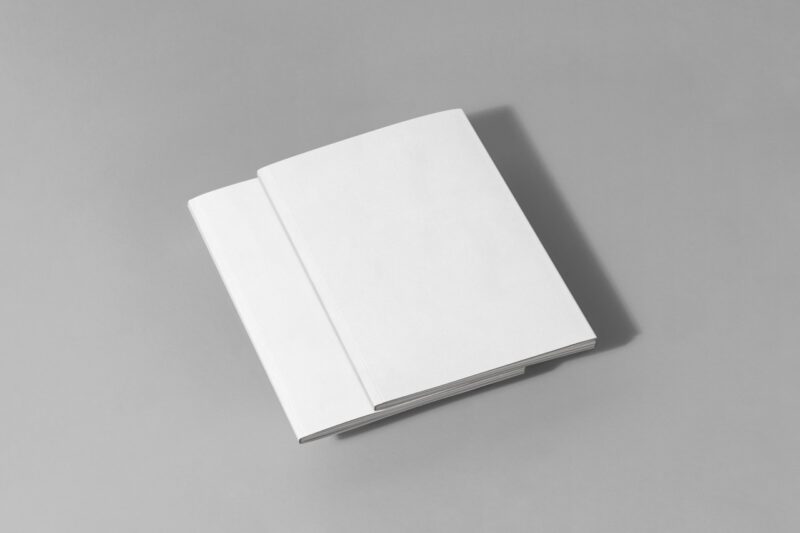
A great image is the beginning. How that image accepts your artwork is what makes it a surface. Using a patented approach to embedding 3D, we’ve made it possible to transform flat images into dynamic surfaces. These surfaces form the foundation of our extensive Surface Store library.
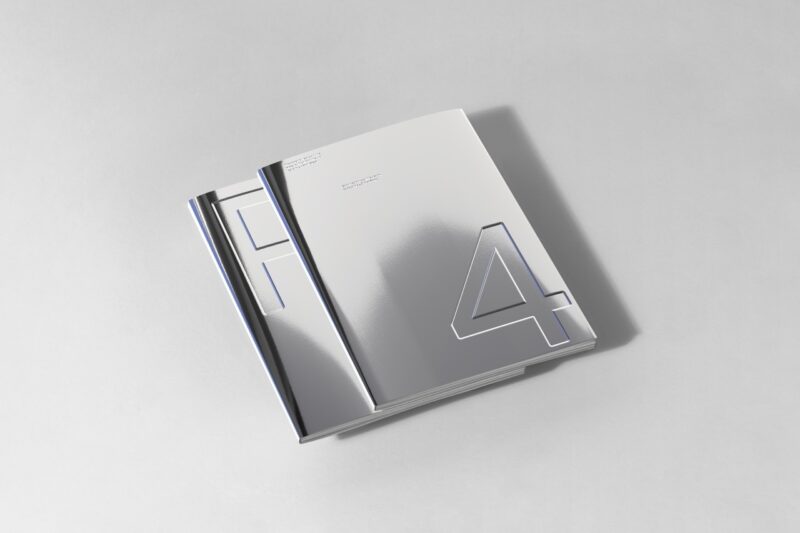
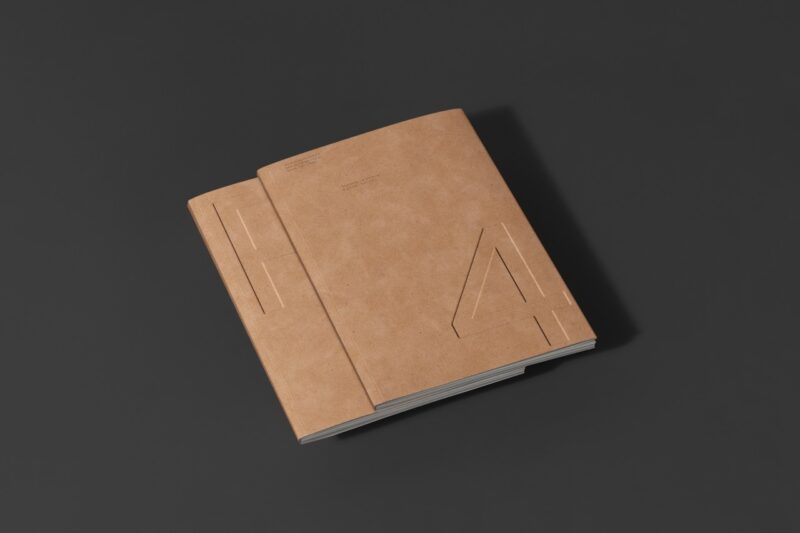
Unlike images, surfaces react to their environment. Foils, fluorescents, varnishes and embossing can cast shadows and reflect their environment. Artwork wraps around surfaces accurately. Camera depth of field conveys photographic realism.
The material world
Go from foil to fluorescent as
fast as you can pick a swatch.
Customize color, texture, and
lighting with simple, powerful
controls.
Infinite Materials
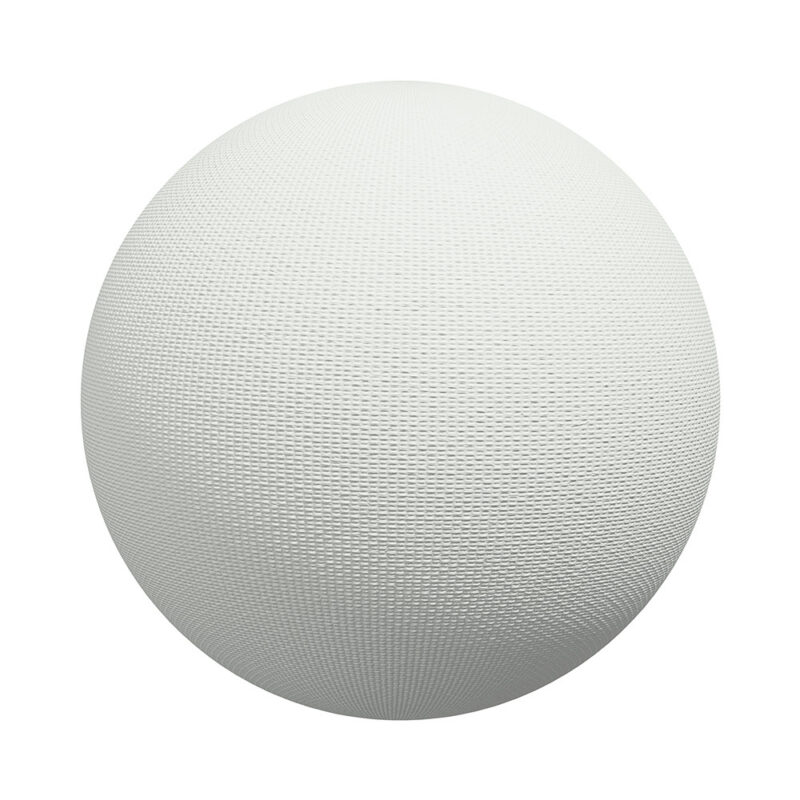
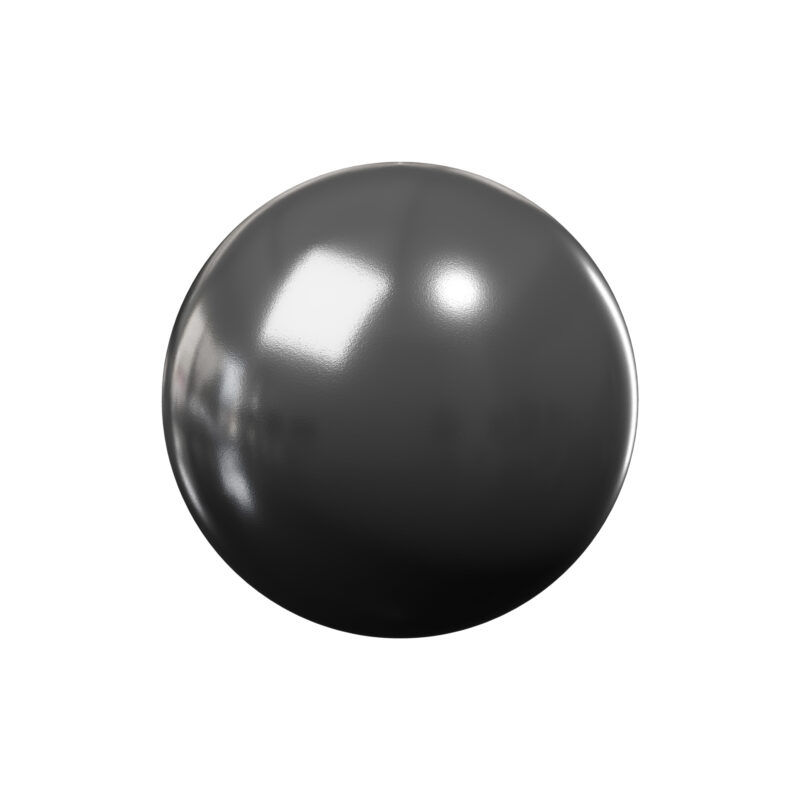

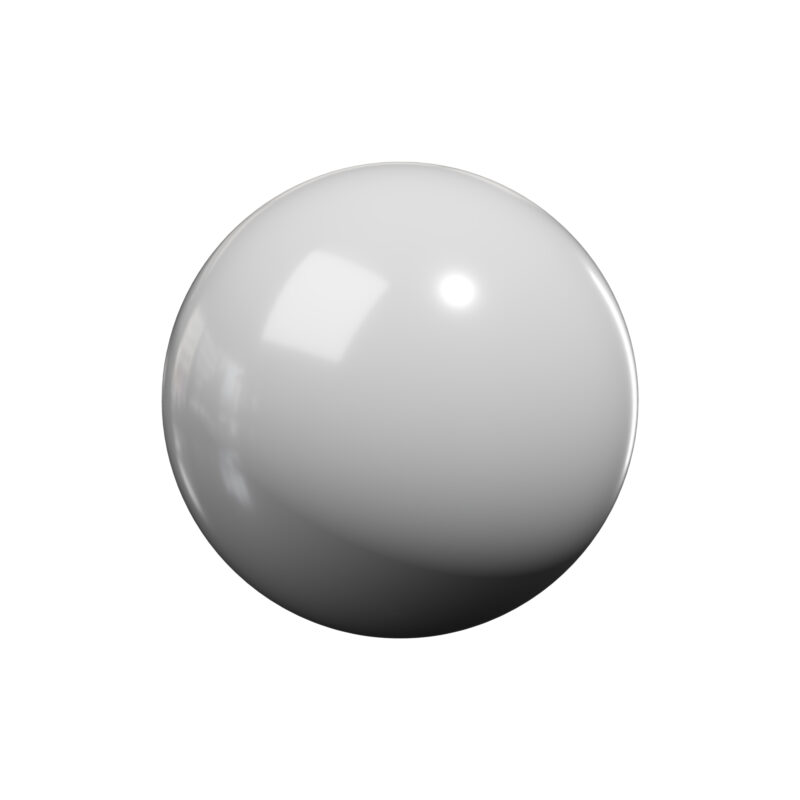
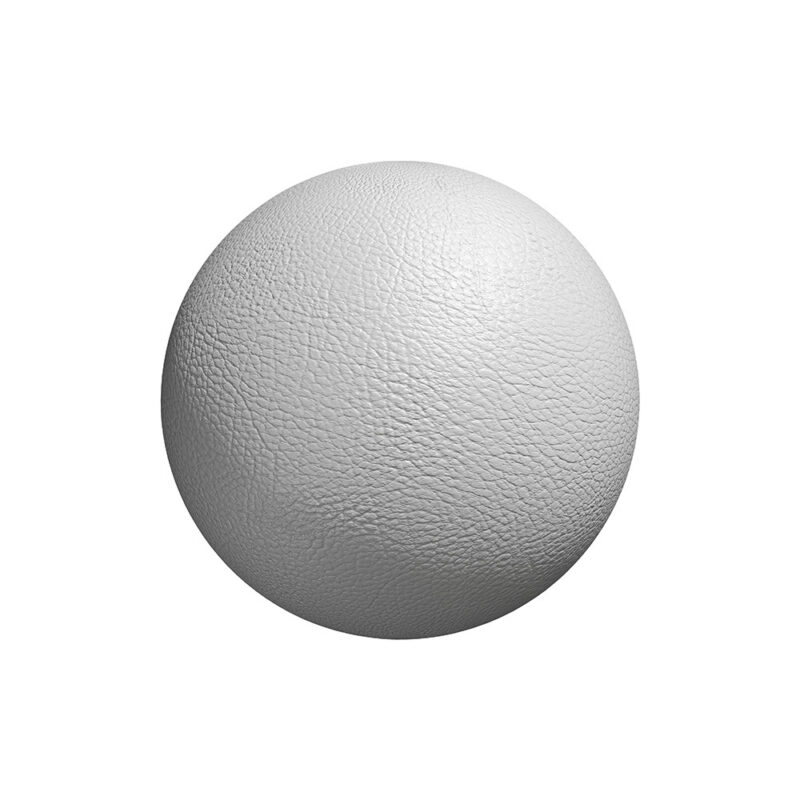
Smoothness
Emboss
What’s better than being able to show a concept executed in perfectly rendered physically-based materials? Being able to create your own. LiveSurface fuses the power of 3D with the simplicity of design.
Using just a few slider controls, it’s possible to create nearly every material. Edit color tint, smoothness, reflectivity, metallicity, glow, transparency with effortless precision. Fine tune emboss stamping with nuanced thickness and texture.
Industry Standard
We keep great company. Trusted
by talent at the smallest
studios to the biggest agencies.
LiveSurface is fueled by the enthusiasm of our amazing users and inspired by their work.
- Ogilvy
- Google
- JPL/NASA
- NVIDIA
- School of Visual Arts
- Pentagram
- Harper Collins Publishers
- Wieden + Kennedy
Plans
Select a plan to purchase. Take advantage of launch pricing to unlock the entire Surface Store library and all app features with a Pro plan. One subscription activates LiveSurface on all platforms.