Live View
A live preview that moves with you.
Live View preview floats over Illustrator, Photoshop or whichever Mac app you create in. No toggling back and forth between your mockups and your designs. Save your design changes and watch them land on a t-shirt, billboard or display to make better design decisions, not just client presentations.
Artwork stays on your Mac.
Mockup rendering works entirely on your Mac. Your artwork stays securely on your computer and isn’t uploaded anywhere to become a mockup.
Marketplace
All the hits. Now built in.
Introducing collaborations with premium mockup creators: Bendito Mockup, BYLD, Showcase Mockup Studio, Art Directed Mockups. More creators coming.
PSD included.
Every LiveSurface-ready mockup in the new Marketplace comes with a Photoshop-ready PSD twin, free. One purchase, both formats. Use whichever suits the job.
Faster, Simpler
Drag. Drop. Done.
Faster search and find, less time to first mockup and faster edits from start to finish. New Live View Preview so you don’t even have to leave your design apps.
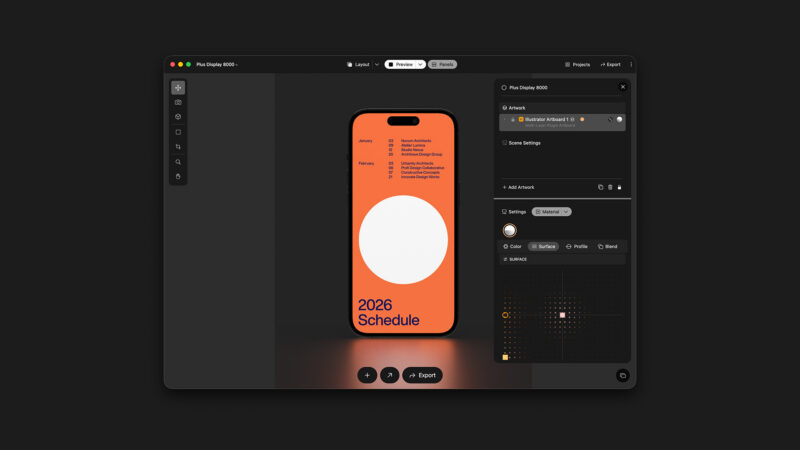
Rebuilt around the preview.
Simplified UI: Layers and settings now live together in a single panel. Action buttons update with contextual options. Edits can be made directly in the dedicated Preview.
More Powerful
Many little improvements are a big deal.
From streamlined external app editing to rendering polish, to workflow improvements like built-in cropping, preview editing and search-by-size, LiveSurface 3 is more powerful for sketching through portfolio render.
FAQ
Everything you have. Everything that’s new.
LiveSurface 3 is free to download. Your library, concepts and purchases come with you.
Free to download.
Same as it’s always been. The app is free and subscription pricing hasn’t changed.
Coming from LiveSurface 2?
LiveSurface 3 installs beside LiveSurface 2 and doesn’t touch it. Keep both while you move your work over.
Your library comes with you.
Every surface you’ve purchased or subscribed to is already there, including anything you bought in the beta. Sign in and it’s waiting.
Your concepts open in 3.
Scene, background, materials and lighting changes work right away. Plugin-based edits need a one-way artboard layer conversion, so keep a copy if you still need the file in LiveSurface 2.
Artwork stays on your Mac.
Every mockup renders on your computer. Your artwork is never uploaded anywhere.
One purchase, two formats.
Every LiveSurface-ready mockup in the Marketplace comes with a Photoshop-ready PSD twin, free.
Try before you buy.
Any surface runs watermarked, free, at full quality. Marketplace mockups are included.
Built for Apple Silicon.
LiveSurface 3 requires a Mac with Apple Silicon and works best on macOS 26 or later. Multi-user Studio subscriptions are supported.
As Always
All the new, plus everything you count on.
Thousands of real-world mockups, artwork in seconds and stills or video ready for the client.
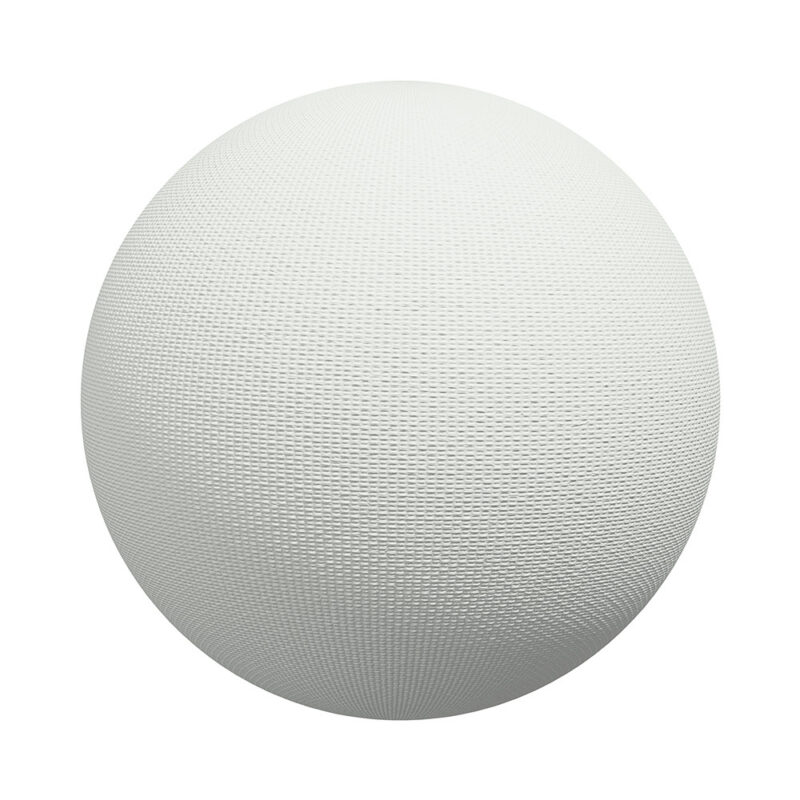
Physically-based materials
Physically-based materials
Physically-based materials
Industry Standard
We keep great company. Trusted by talent at the smallest studios to the biggest agencies.
Plans
Subscriptions and Purchases.
Subscribe to access thousands of mockup surfaces from the subscription library. Purchase licenses to unlock Marketplace surfaces from premium creators.
Subscriptions
Pro Monthly
Unlock all surfaces and features on macOS, iPadOS and visionOS.
Unlocks all surfaces
Unlocks all features
Auto-renewingMonthly
$18
Pro Monthly
Monthly
$18Pro Yearly
Unlock all surfaces and features on macOS, iPadOS and visionOS.
Unlocks all surfaces
Unlocks all features
Auto-renewingYearly
$172
Pro Yearly
Yearly
$172Pro Studio
Same as Pro Yearly plan with added multi-user support.
All of Pro with support for teams
Yearly
$172/seat
Pro Studio
Yearly
$172/seat